
Once you are in the bay
Tips & tricks
How to let the bay read every shot, and what to do when something goes sideways — one page, and everything on it written out below.
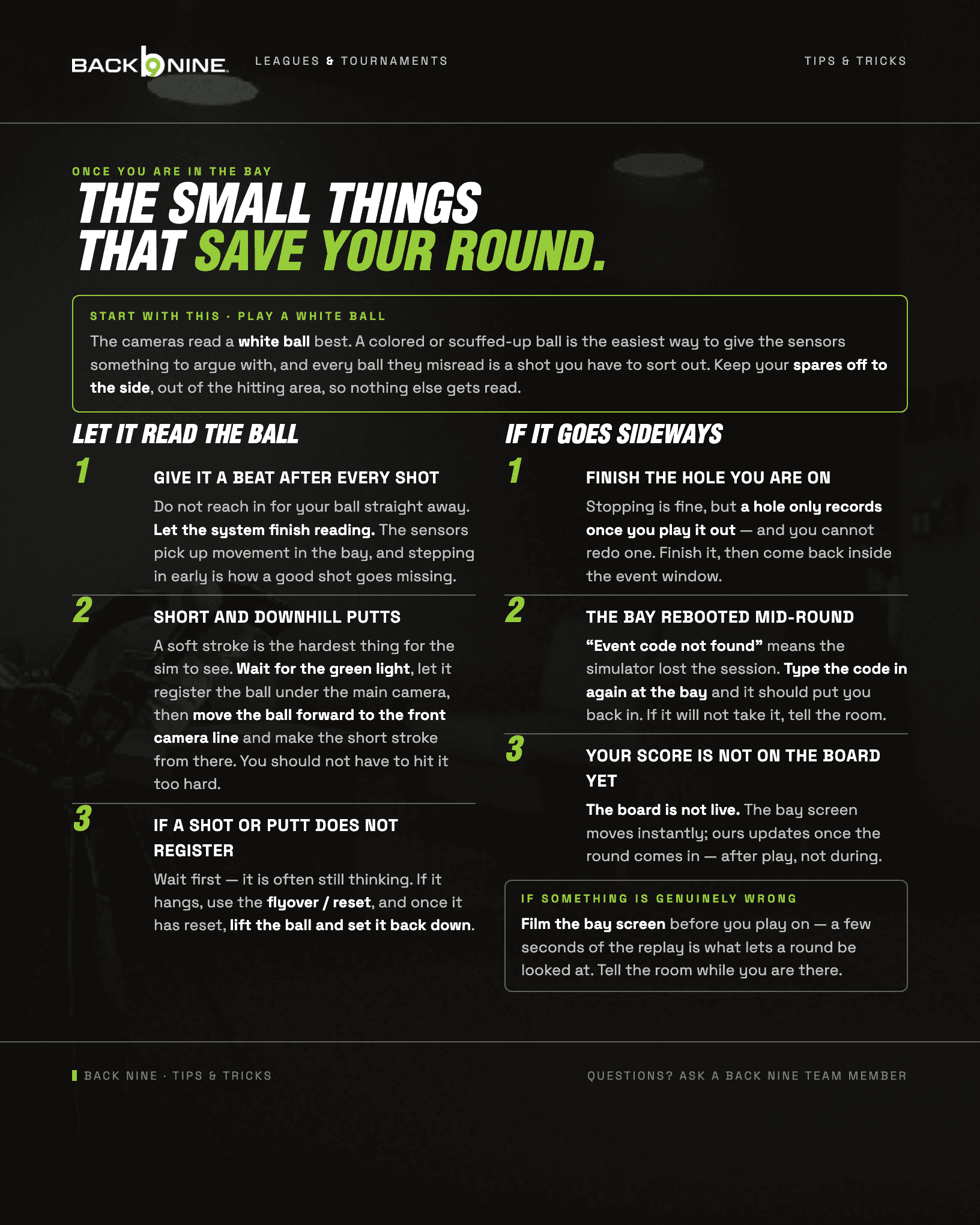
The guide, in words
Everything on the sheet above, written out.
Start with this · play a white ball
The cameras read a white ball best. A colored or scuffed-up ball is the easiest way to give the sensors something to argue with, and every ball they misread is a shot you have to sort out. Keep your spares off to the side, out of the hitting area, so nothing else gets read.
Let it read the ball
Give it a beat after every shot
Do not reach in for your ball straight away. Let the system finish reading. The sensors pick up movement in the bay, and stepping in early is how a good shot goes missing.
Short and downhill putts
A soft stroke is the hardest thing for the sim to see. Wait for the green light, let it register the ball under the main camera, then move the ball forward to the front camera line and make the short stroke from there. You should not have to hit it too hard.
If a shot or putt does not register
Wait first — it is often still thinking. If it hangs, use the flyover / reset, and once it has reset, lift the ball and set it back down.
If it goes sideways
Finish the hole you are on
Stopping is fine, but a hole only records once you play it out — and you cannot redo one. Finish it, then come back inside the event window.
The bay rebooted mid-round
“Event code not found” means the simulator lost the session. Type the code in again at the bay and it should put you back in. If it will not take it, tell the room.
Your score is not on the board yet
The board is not live. The bay screen moves instantly; ours updates once the round comes in — after play, not during.
If something is genuinely wrong
Film the bay screen before you play on — a few seconds of the replay is what lets a round be looked at. Tell the room while you are there.
Still stuck? A Back Nine team member picks it up from here.
compete@thebackninegolf.com →First time? The desk asks for your email so the answer comes back to you.