
Your first Back Nine event
How to play
From your couch to the bay, in order — one page, and everything on it written out below.
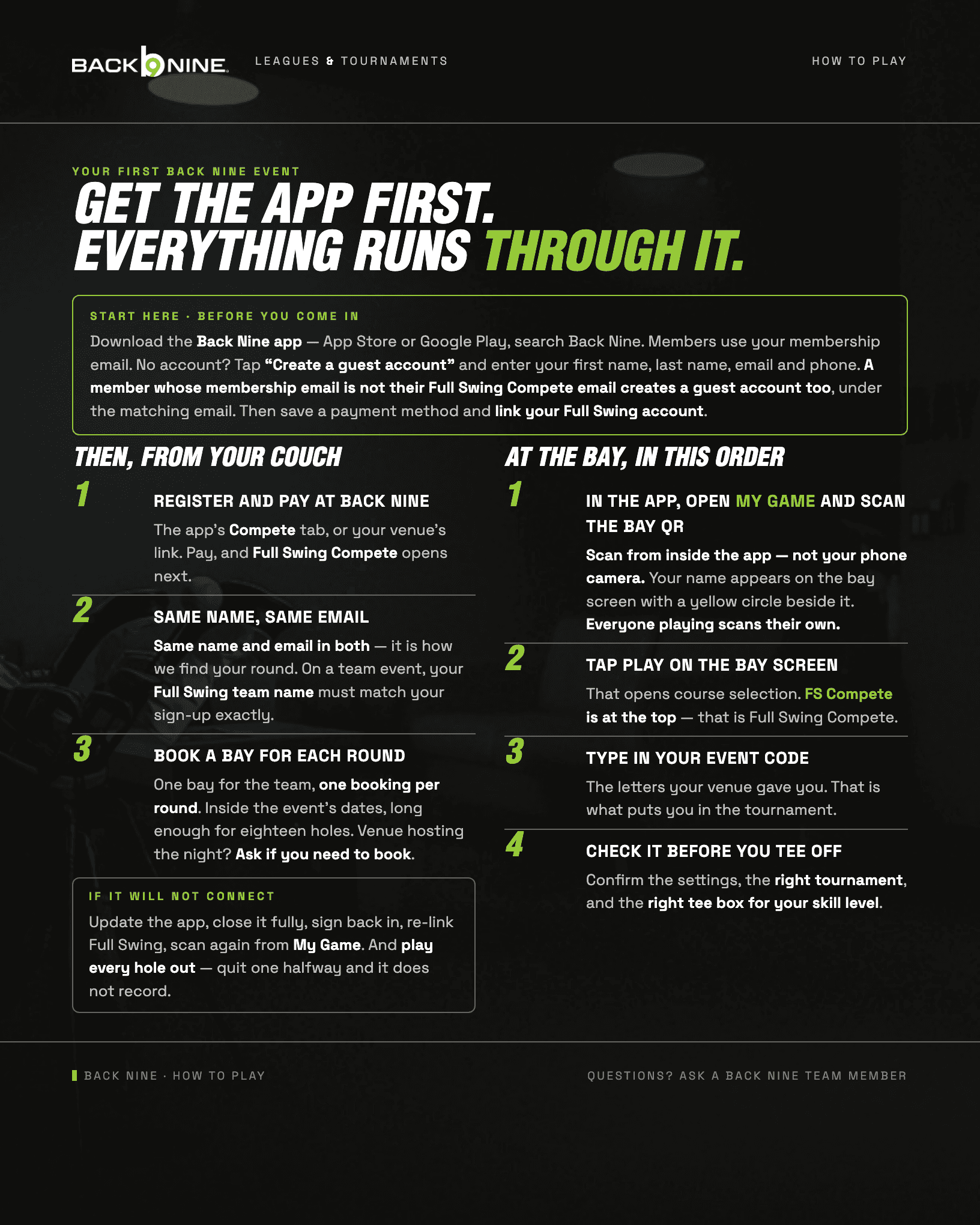
The guide, in words
Everything on the sheet above, written out.
Start here · before you come in
Download the Back Nine app — App Store or Google Play, search Back Nine. Members use your membership email. No account? Tap “Create a guest account” and enter your first name, last name, email and phone. A member whose membership email is not their Full Swing Compete email creates a guest account too, under the matching email. Then save a payment method and link your Full Swing Compete account.
Then, from your couch
Register and pay at Back Nine
The app’s Compete tab, or your venue’s link. Pay, and Full Swing Compete opens next.
Same name, same email
Same name in both — it is how we find your round. Same email in both, so your team matches its scores. On a team event, the team name in Full Swing must match the team name you signed up with, exactly.
Book a bay for each round
One bay for the team, not one each — and one booking per round, so a two-round event is two bookings. Inside the event’s dates, long enough for eighteen holes. If your venue hosts the night, ask them whether you need to book at all.
If it will not connect
Update the app, close it fully, sign back in, re-link Full Swing Compete, then scan again from My Game. And play every hole out — quit one halfway and it does not record.
At the bay, in this order
In the app, open My Game and scan the bay QR
Scan from inside the app — not your phone camera. Your name appears on the bay screen with a yellow circle beside it. Everyone playing scans their own.
Tap Play on the bay screen
That opens course selection. FS Compete is at the top — that is Full Swing Compete.
Type in your event code
The letters your venue gave you. That is what puts you in the tournament.
Check it before you tee off
Confirm the settings, the right tournament, and the right tee box for your skill level.
Still stuck? A Back Nine team member picks it up from here.
compete@thebackninegolf.com →First time? The desk asks for your email so the answer comes back to you.